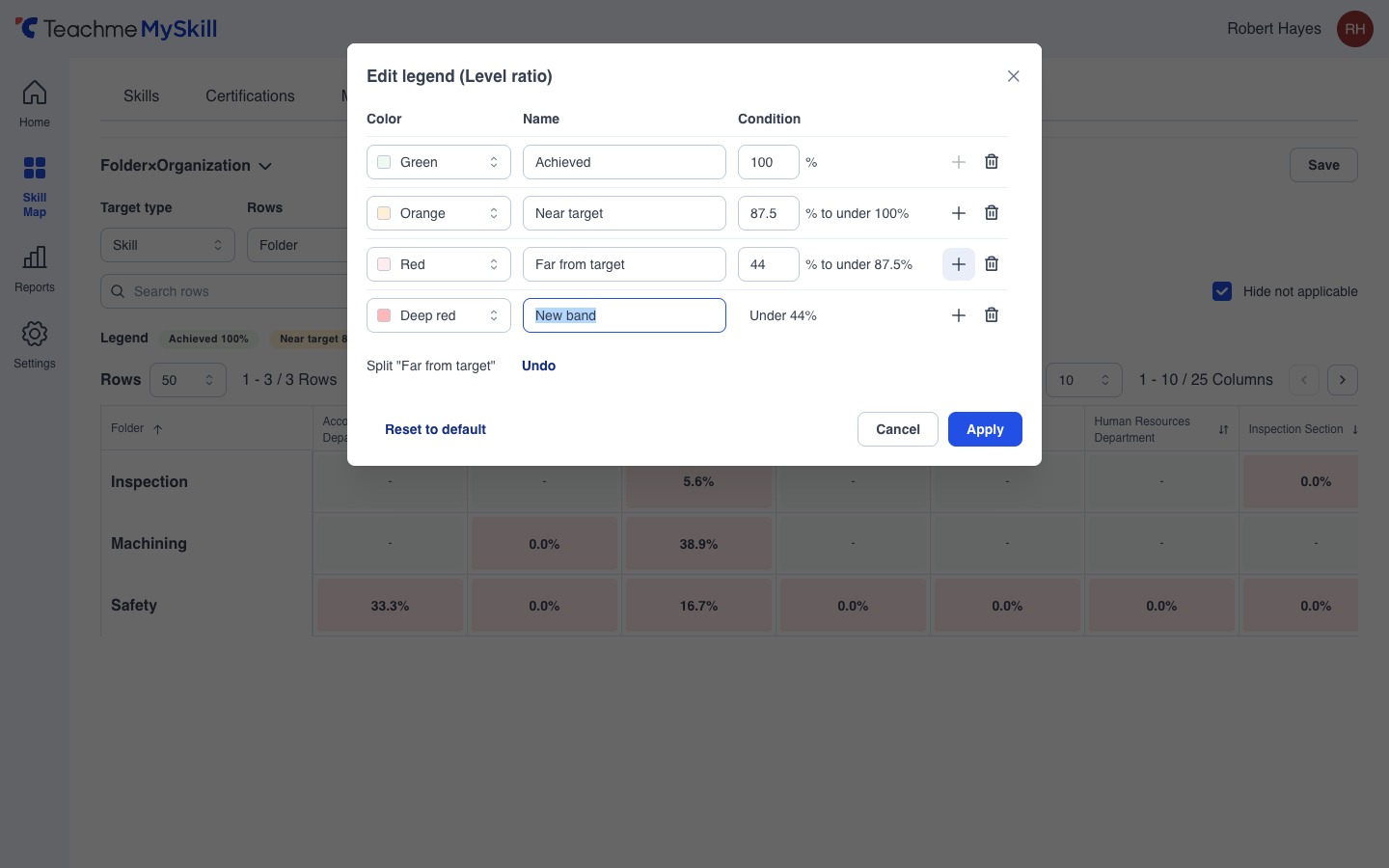
In the Skill Map's "Custom View," you can now change the legend for ratio indicators.
From "Edit Legend," you can split or delete segments, and change the name, color, and range for each segment.
The modified legend is saved together when you save the view.
The applicable indicators are "Lv Ratio," "Max Lv Achievement Rate," "Required Lv Ratio," and "Sufficient Users Rate."
Related: Summarize achievement status in custom views
https://teachme.jp/8/manuals/52295853