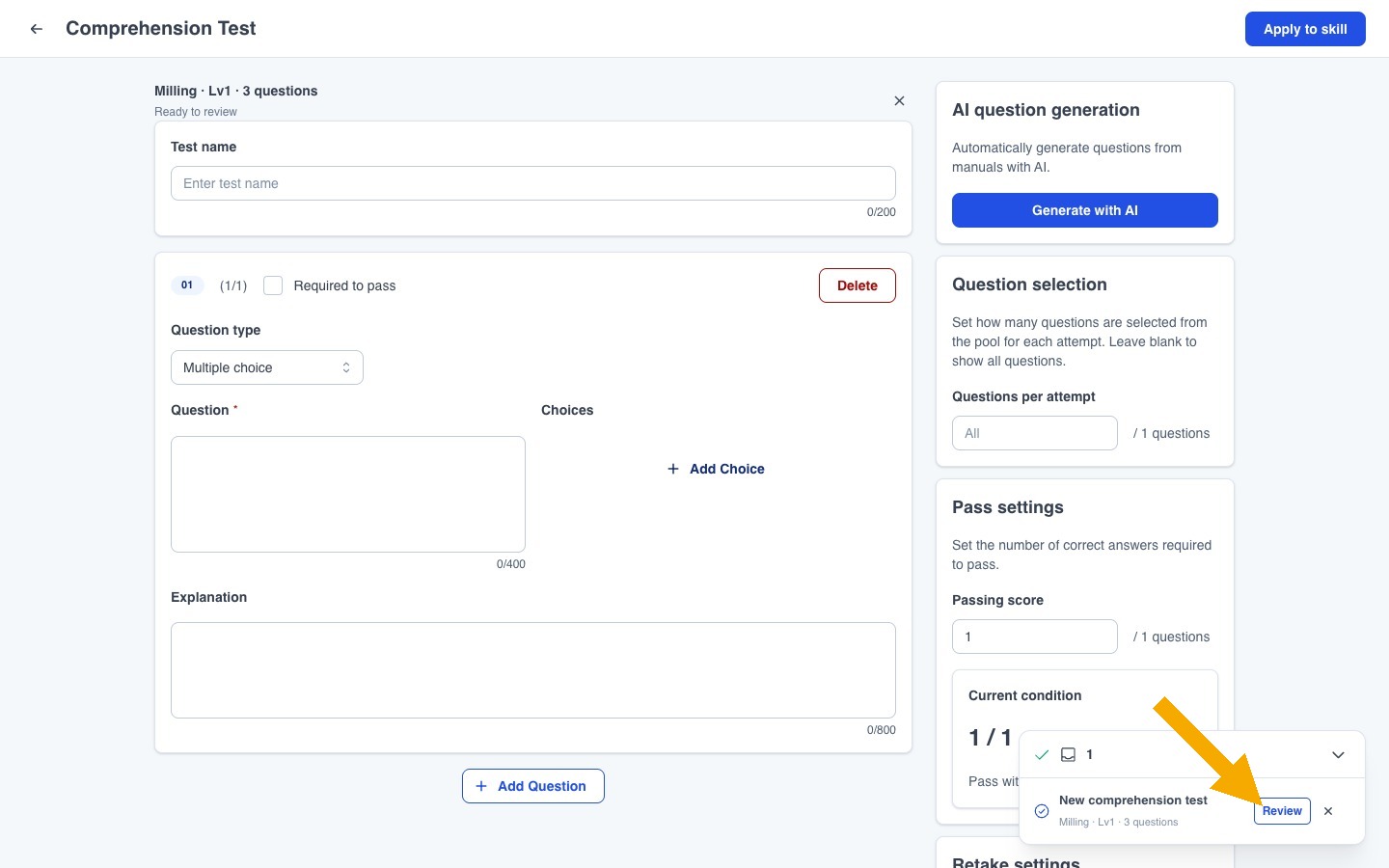
When AI question generation for a Comprehension test begins, a message saying "Generation started" is displayed, allowing you to close the screen and continue with other tasks.
Once generation is complete, check the results from the task panel at the bottom right of the screen, then select the test name and questions to reflect them in the test.
AI also suggests candidates for the test name.
Related: Set up comprehension tests
https://teachme.jp/8/manuals/50102421